
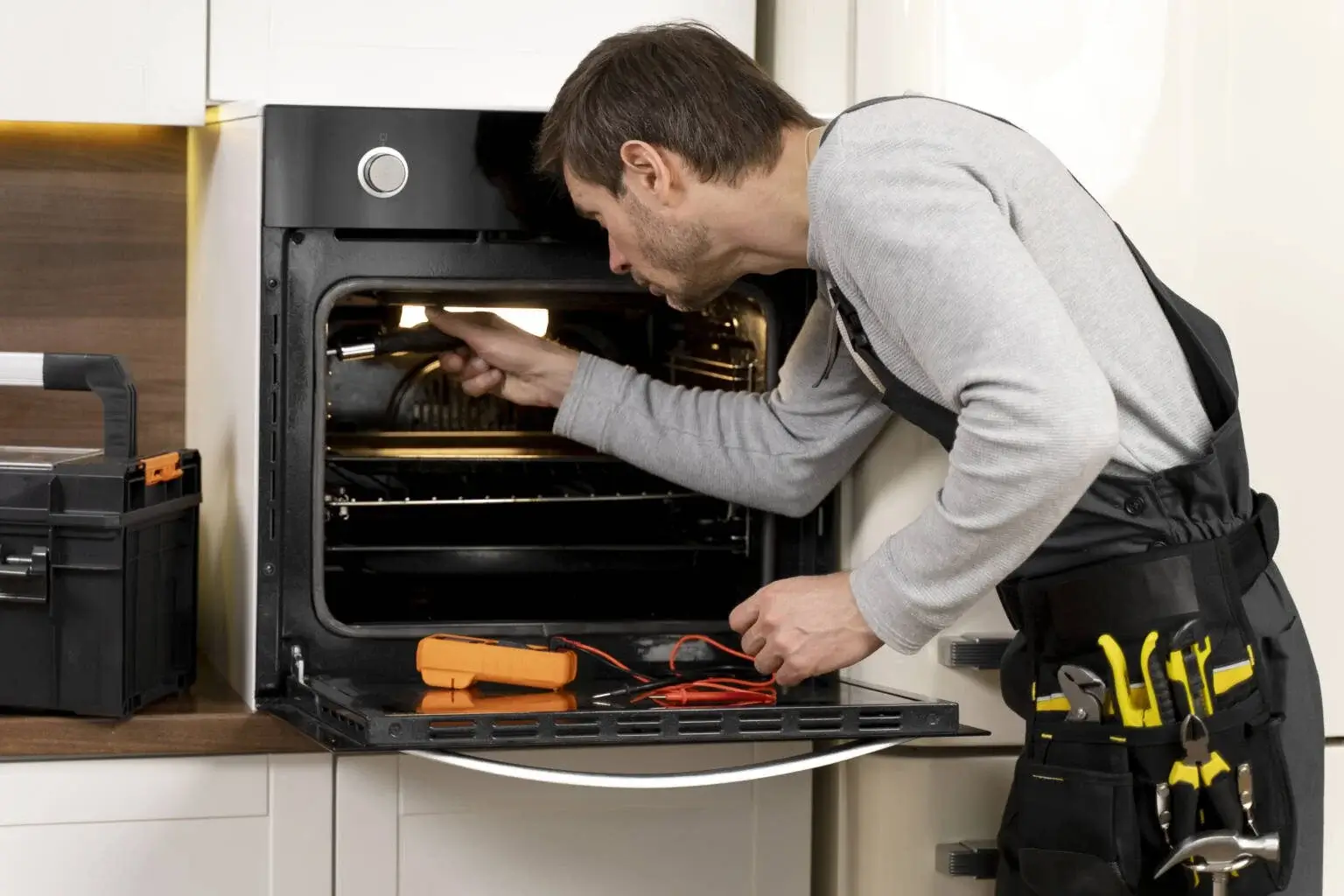
Microwaves have become one of the most important kitchen appliances in modern homes. From reheating meals to preparing quick snacks, most families use their microwave multiple times every day. But when the appliance suddenly stops heating, starts beeping, or displays strange error codes, it can quickly become frustrating.
Many modern microwave brands include built-in diagnostic systems that display error codes when a fault occurs. These codes help isolate internal issues and make troubleshooting significantly easier. Understanding the meaning behind these common microwave repair and error codes can help you determine when a simple home reset will work and when it is time to call a professional appliance repair technician.
Why Microwave Error Codes Appear
Microwave error codes are warning signals generated by the appliance’s internal control board. These warnings usually trigger due to:
-
Faulty door switches: Broken safety interlocks that prevent the unit from running safely.
-
Touchpad or keypad problems: Short-circuited or stuck buttons caused by moisture or wear.
-
Heating system failures: Faulty magnetrons, high-voltage transformers, or inverter boards.
-
Electrical issues: Voltage spikes or communication errors between control boards.
-
Overheating components: Blocked cooling vents or failing thermal fuses.
-
Power supply interruptions: Sudden blackouts or brownouts.
Important Note: Ignoring repeated error codes can lead to larger electrical failures or severe safety hazards. Early diagnosis helps prevent expensive component replacements later.
Brand-Specific Microwave Error Codes
1. Samsung Microwave Errors
Samsung microwaves are widely used for their modern features, but their touch interfaces are prone to specific faults:
-
SE Error Code (or 5E): One of the most common Samsung issues. It indicates a faulty or stuck keypad. Moisture buildup, grease, or electrical shorts inside the ribbon cable can trigger this.
-
Signs: Constant beeping, non-responsive buttons, or the microwave operating randomly on its own.
-
-
C-d0 Error Code: This indicates a control panel communication problem or a button being sensed as continuously pressed for too long (over 10 seconds).
-
Solution: Unplug the microwave for 5 minutes to reset the control board. If the code returns immediately, the touch pad requires replacement.
-
2. LG Microwave Errors
Known for Smart Inverter technology, LG models typically display errors related to precise power delivery:
-
F3 Error Code: Signals a keypad/touchpad communication failure. The appliance may stop responding entirely or display erratic behavior.
-
F9 Error Code: Points directly to a heating system or inverter board problem.
-
Signs: Weak heating performance, loud buzzing noises, or the microwave shutting off completely a few seconds after starting.
-
3. Panasonic Microwave Errors
Panasonic inverter microwaves are highly reliable, but their high-voltage systems can show distinct errors when components fail:
-
H97 Error Code: Indicates a magnetron failure or an issue with the inverter power supply board. The microwave will run but fail to generate heat.
-
H98 Error Code: Signals that internal high-voltage components have begun failing.
-
⚠️ Warning: Microwaves contain high-voltage capacitors that store lethal amounts of electricity even after the appliance is completely unplugged. Panasonic inverter circuits should only be serviced by certified technicians.
4. GE Microwave Errors
GE microwaves are staples in many Toronto households and frequently experience standard electronic control errors:
-
F1 Error Code: Signals a main electronic control board malfunction. This is often accompanied by continuous tracking beeps and an inability to start a cycle.
-
PF Error Code: Stands for Power Failure. This appears after a local power outage, brownout, or sudden voltage fluctuation.
-
Quick Fix: Simply clear the display, reset the clock, and run a test cycle.
-
5. Whirlpool Microwave Errors
Whirlpool units are durable, but mechanical wear on doors and interfaces can cause failures:
-
Door Error: Occurs when the safety door latches, hinges, or internal microswitches stop functioning.
-
Signs: The display shows “Door”, or the microwave light turns on but the unit refuses to start spinning or heating.
-
-
F2 Error Code: Indicates a stuck touchpad button or a faulty electronic user interface matrix.
Quick Reference Summary Table
| Brand | Error Code | Primary Cause | Recommended Action |
| Samsung | SE / 5E | Stuck or shorted keypad | Unplug to clear; replace touchpad if recurring |
| Samsung | C-d0 | Key pressed continuously | Check for stuck buttons; service required |
| LG | F3 | Touchpad communication failure | Inspect control panel connection |
| LG | F9 | Inverter board or heating fault | Professional repair required |
| Panasonic | H97 / H98 | Magnetron or Inverter board failure | Requires specialized component replacement |
| GE | F1 | Main control board malfunction | Requires professional board replacement |
| GE | PF | Power Failure | Reset the clock; harmless temporary error |
| Whirlpool | Door | Faulty door latch or microswitch | Adjust latch or replace safety switches |
| Whirlpool | F2 | Electronic control / Keypad fault | Inspect user interface assembly |
Common Causes of Premature Microwave Failure
Beyond technical component faults, several everyday habits can significantly shorten the lifespan of your appliance:
-
Running the Microwave Empty: Without food or liquid to absorb the microwave energy, the waves bounce back directly into the magnetron, burning it out rapidly.
-
Using Metal Containers: Metal forks, foil, or gold-rimmed plates create electrical arcing (sparks), which can permanently scorch the interior cavity walls.
-
Poor Cleaning Habits: Splattered food residue and grease buildup absorb microwave energy, causing localized burning, damaging internal sensors, and blocking vital airflow.
-
Slamming the Door: Repeatedly slamming the door misaligns the delicate plastic safety latches and destroys the microswitches over time.
Signs You Need Professional Microwave Repair
Do not attempt a DIY fix if you observe any of the following issues:
-
Burning Smells or Smoke: Indicates an electrical short, a burning transformer, or fried wiring.
-
Sparks Inside the Cavity: Arcing caused by a damaged waveguide cover or exposed interior metal.
-
Loud Humming or Buzzing: A classic sign of a failing magnetron or shorted high-voltage capacitor.
-
Microwave Runs But Does Not Heat: Signifies a broken heating circuit that involves dangerous electrical current levels.
-
Repeated Error Codes: If a hard reset does not clear the code, internal parts must be replaced.
Proactive Tips to Extend Your Microwave’s Lifespan
-
Clean up spills and splatters immediately with mild soap and water.
-
Only use verified, microwave-safe glassware and ceramics.
-
Keep external ventilation slots and rear exhaust vents free from dust buildup.
-
Avoid overloading the turntable with excessively heavy dishes.
-
Close the door gently to preserve the alignment of the internal safety switches.
-
Schedule professional repair services as soon as minor errors or unusual noises begin.
Final Thoughts
Microwave error codes are designed to protect your home by warning you before a minor component failure turns into a major safety hazard. Understanding these common Samsung, LG, Panasonic, GE, and Whirlpool error codes allows Toronto homeowners to safely diagnose issues and make informed decisions.
Timely, professional appliance repair restores convenience to your kitchen routine, improves household safety, and extends the life of your appliance. If your microwave continues to flash error codes or fails to heat your food properly, securing a professional inspection is the safest, most cost-effective solution.